 Cenáculo
Cell attendance on your phone.
Open it, tap whoever missed and finish. Each person's attendance updates right away, and the cell's history is kept for good.


Everyone starts as "Came".
Most people show up, so the leader only unmarks who missed. If the connection at the house is weak, the phone keeps everything and sends it when the signal returns.
What attendance records
Came, Missed or Excused
With ready-made reasons: health, work, personal commitment, weather or other.
Accompanying children
How many came with each person, with no sign-up needed.
Visitors
Type a name and the system looks up known visitors and church records, so nothing is duplicated.
No meeting that day
Holiday or trip: switch the meeting off, give the reason and nobody gets an absence.
Meeting somewhere else
Recorded right in the attendance.
Meeting report
The leader says what happened, and the pastor reads it without having to ask.
Up to 14 days back
A leader can enter a forgotten meeting, marked as backdated.
Edits with a note
Changing an attendance asks for a note, visible to whoever reopens it.
The cell record
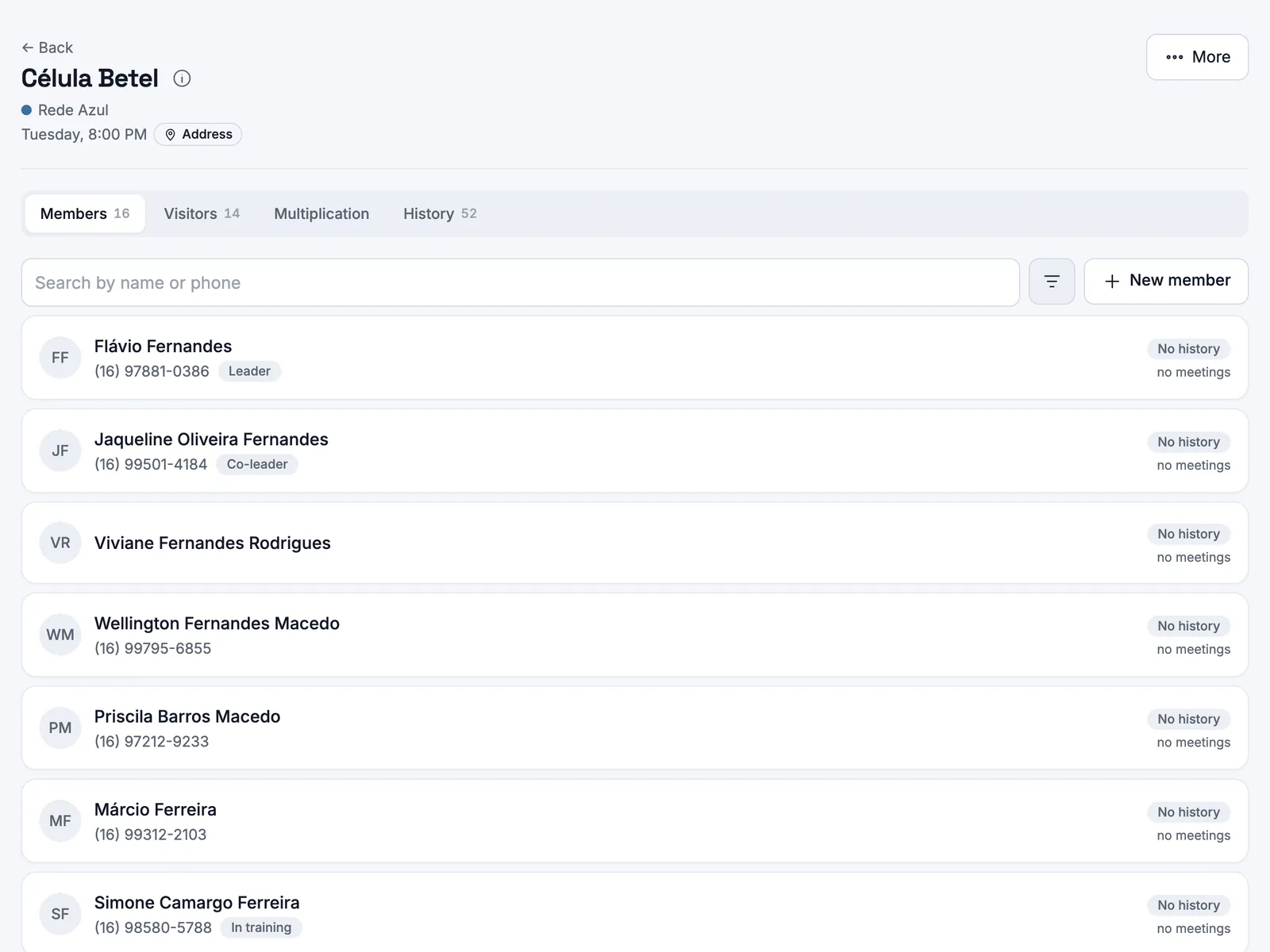
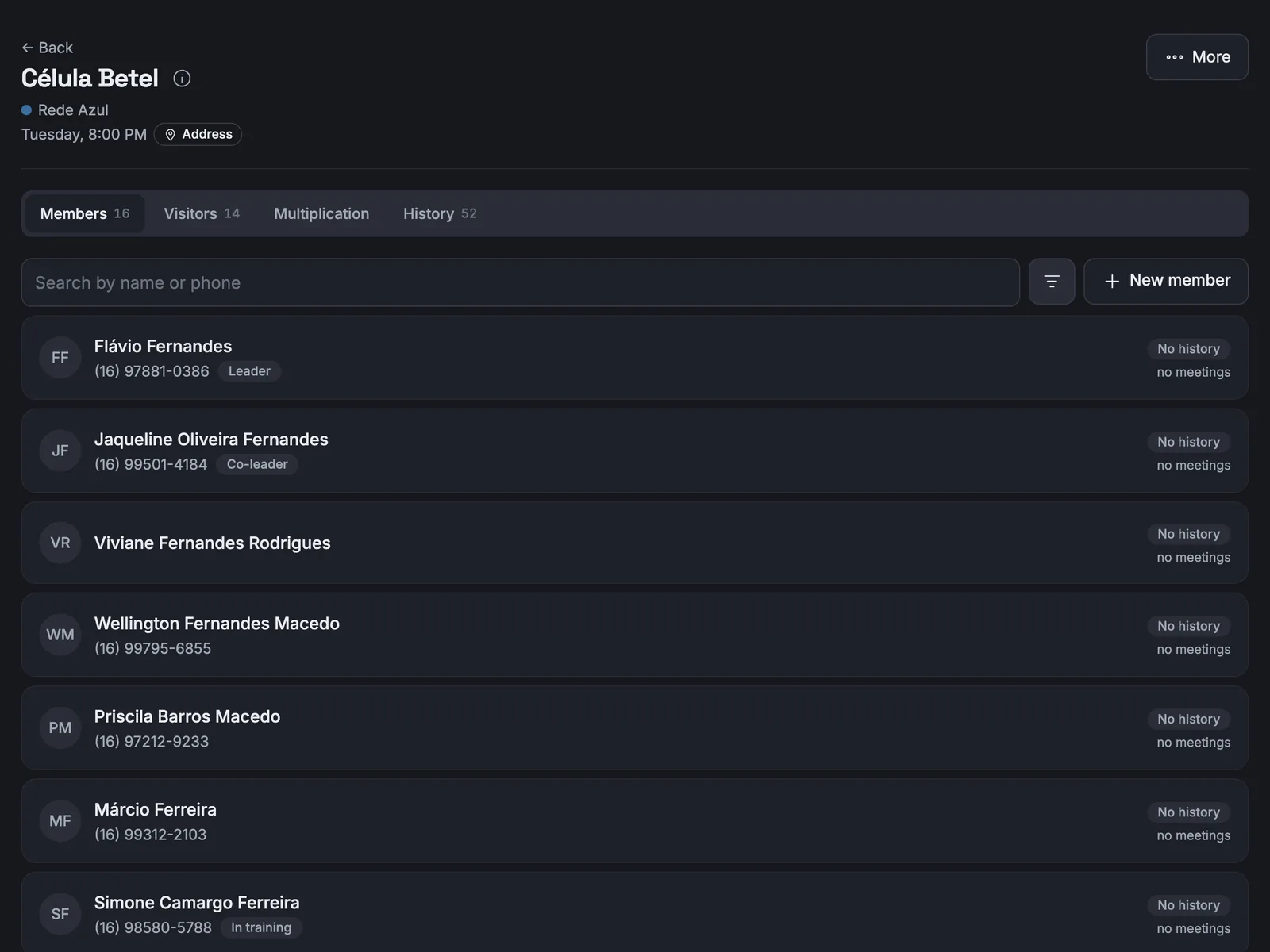
Members with each one's attendance, visitors with who invited them, multiplication readiness and a timeline of everything that happened.
Attendance you can trust
Regular
75% of meetings or more.
Watch
From 50% to 74%.
Critical
Under 50%.
Only what happened
Cancelled meetings do not count, and a new member does not start in red.
The raw number
Always "present at 2 of 3", with the date of the last time they came.
A visitor who returns becomes a member
A name is all it takes to record a visit. On the third visit in a row, they become a real person in your records, join as a member and the leader is told. You can do it sooner whenever you like.


The family tree of your cells
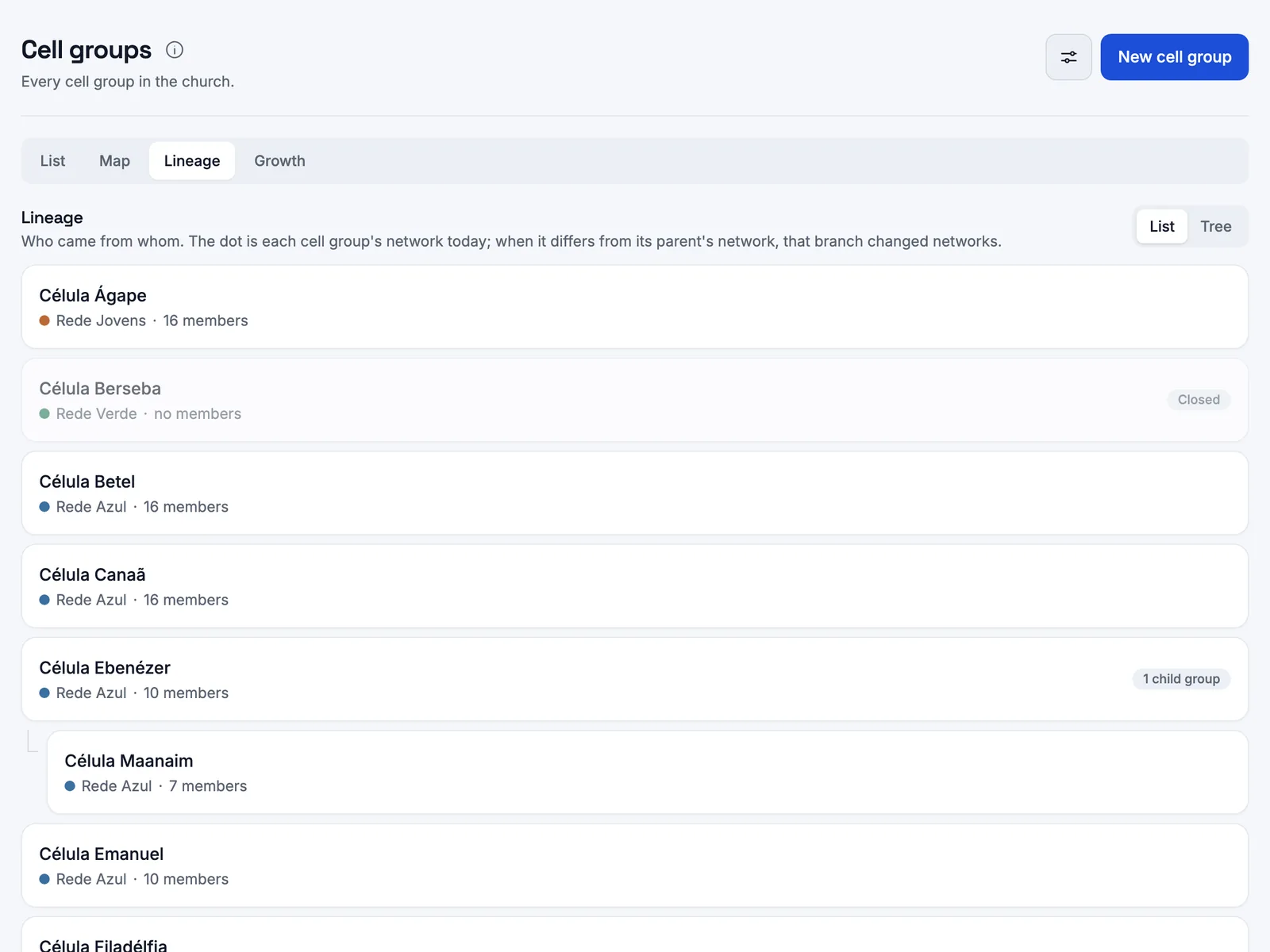
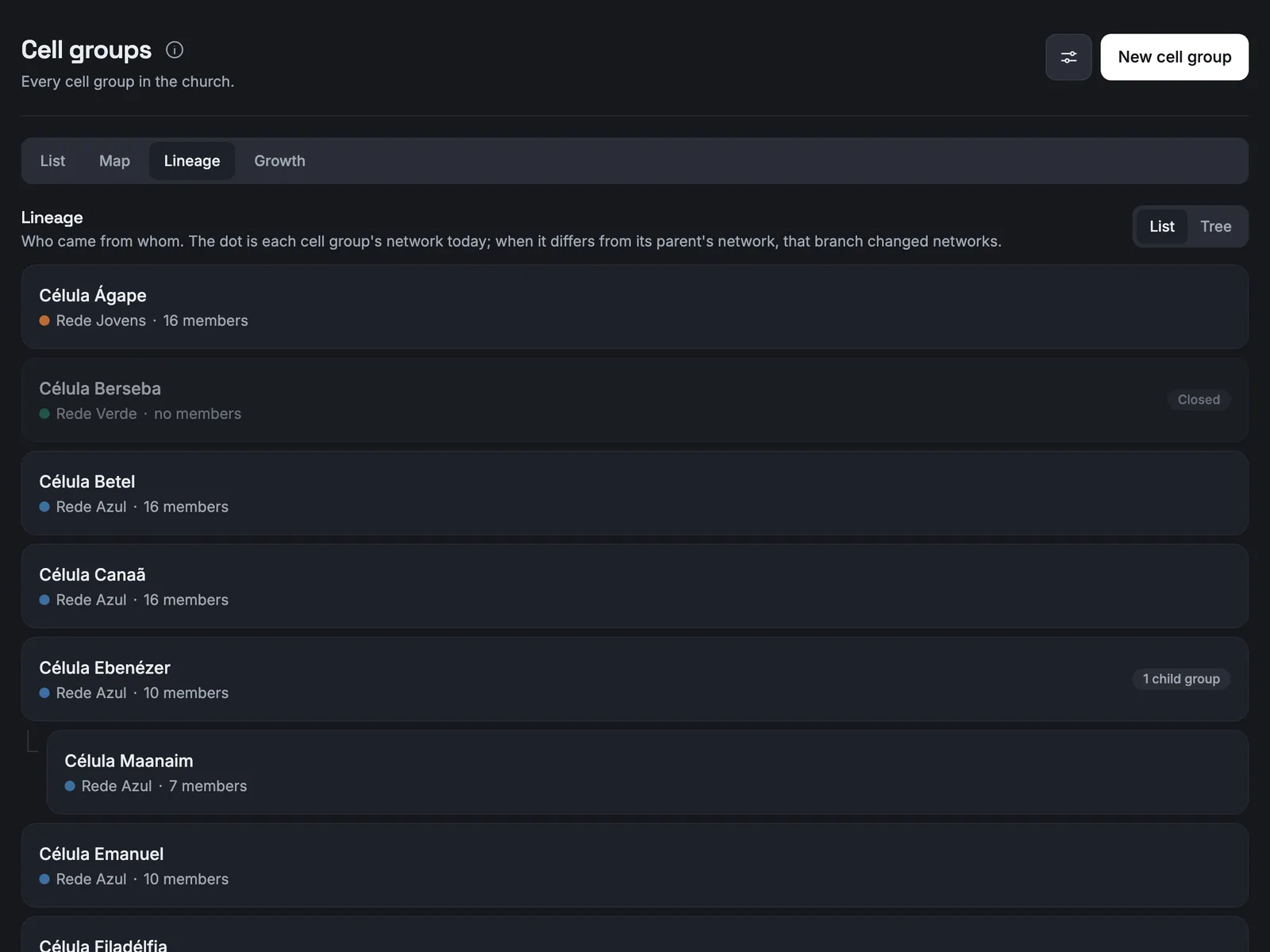
The tree shows which cell each one came from and when. Multiplying is a single step: the new cell, the members going with it and the new leader, all at once.
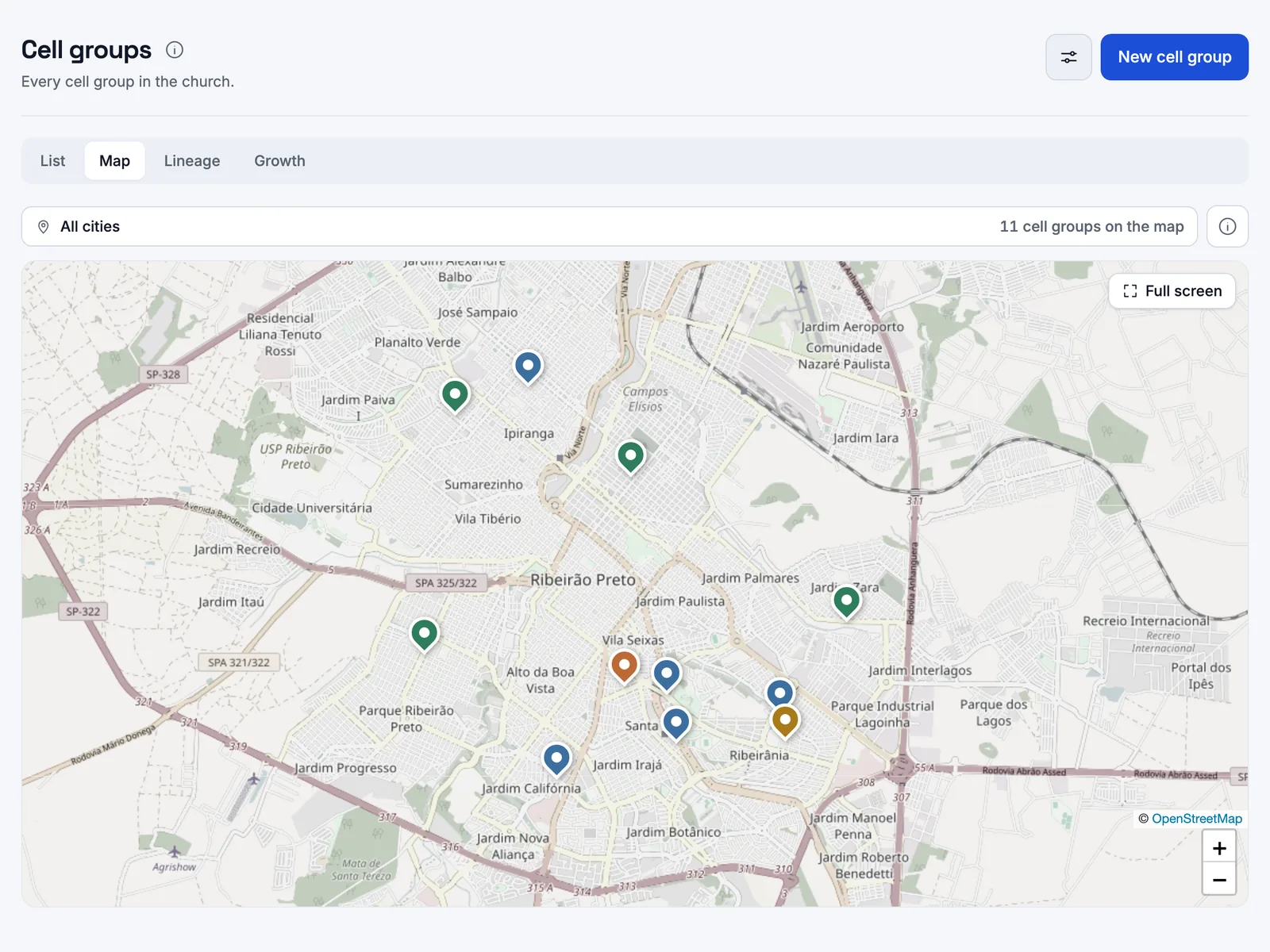
The map, for insiders only
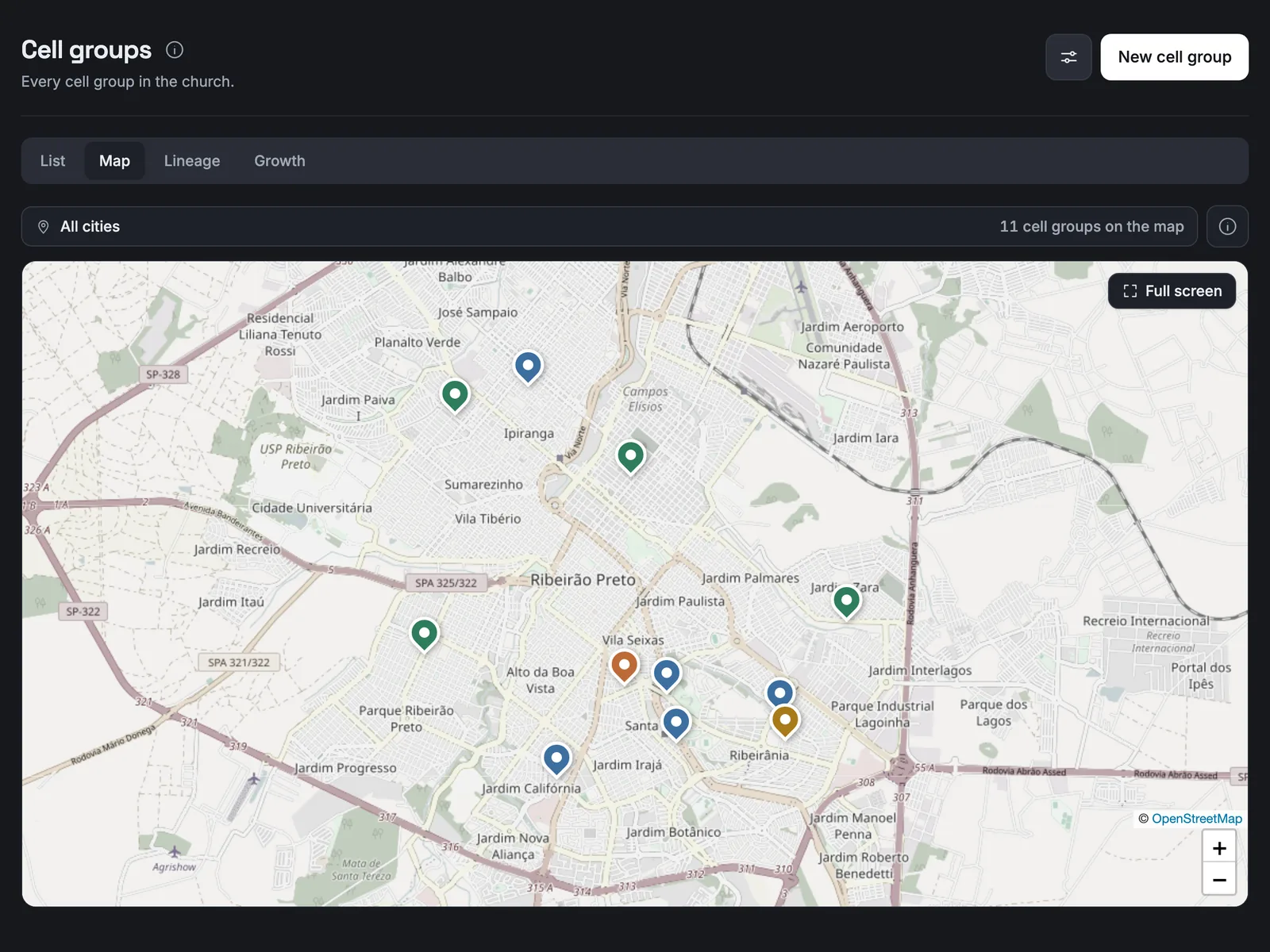
One pin per cell, in its network colour, sorted by city. Nobody's home ever reaches a public page.
Who does what
Leader
Takes attendance and looks after their own cell. A cell can have more than one leader.
Co-leader and leader in training
See the cell's data. Attendance stays with the leader.
Network supervisor
Sees the network's cells and is the backup: takes attendance as supervisor, and the meeting records who did it.
Pastor and Admin / IT
Create cells, networks and settings. The pastor sees any cell without a leader highlighted, since nobody can enter attendance there.
Questions leaders ask
Does it work offline?
Yes. The phone keeps the attendance and sends it when the connection returns, so a weak signal at the house is not a problem.
What if a leader forgets to take attendance?
They get a reminder 12 hours after the meeting by default, and can enter it up to 14 days back. After that, only the pastor can.
Is there a limit on cell size?
The limit is a sign that the cell should multiply, not a lock. Your church picks the number and whether leaders count towards it.


Shall we talk?
You talk to a salesperson on WhatsApp and get your questions answered: +55 17 99154-6181.