 Cenáculo
Church money, in order.
What came in, what went out, each account's balance and what is due this month, in a book where nothing disappears: a mistake gets reversed.


The month at a glance
Income, expenses and result; bills overdue or due today; each account's balance; where it came from and went, by category; and the last six months side by side.
The ledger
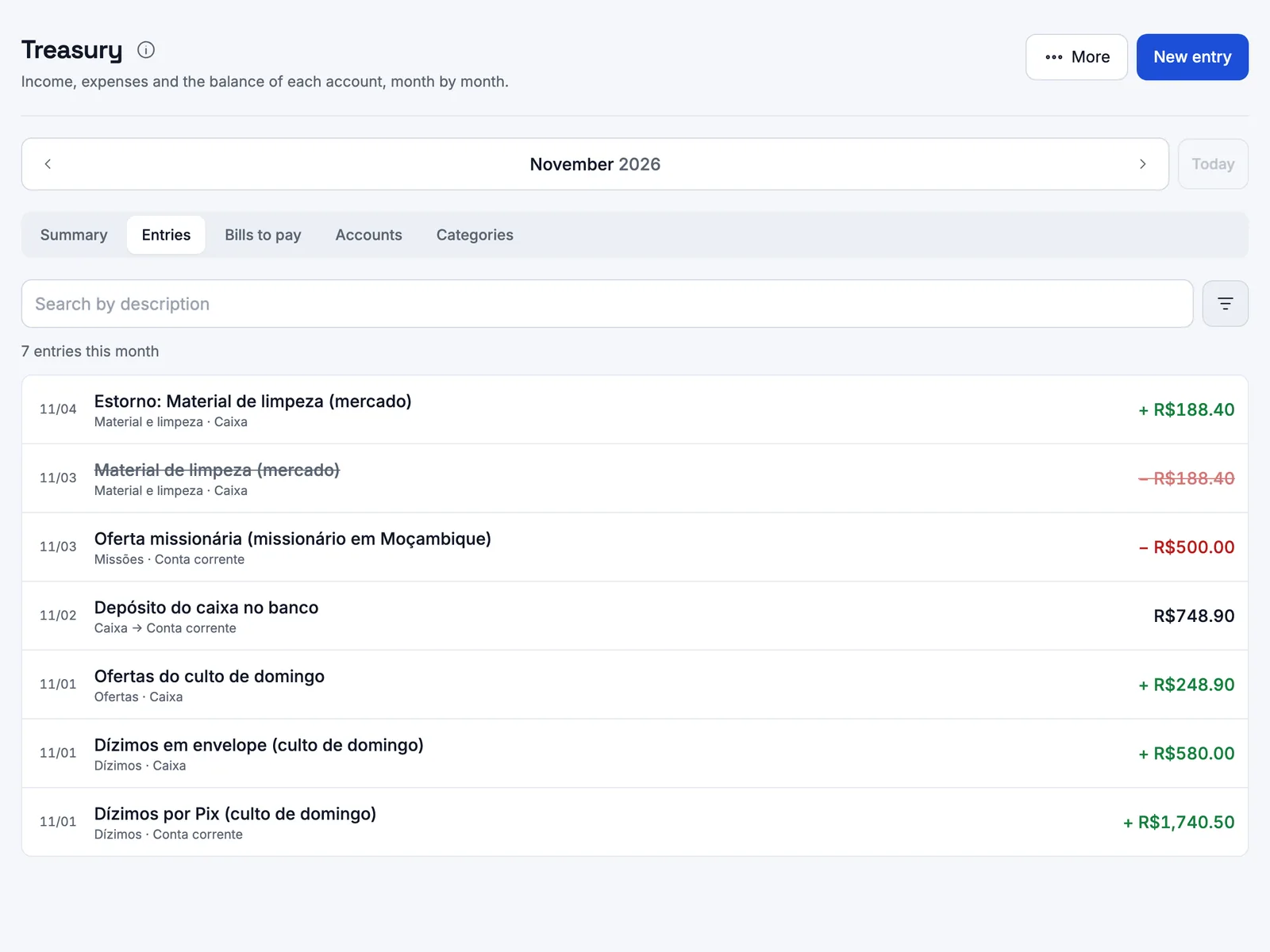
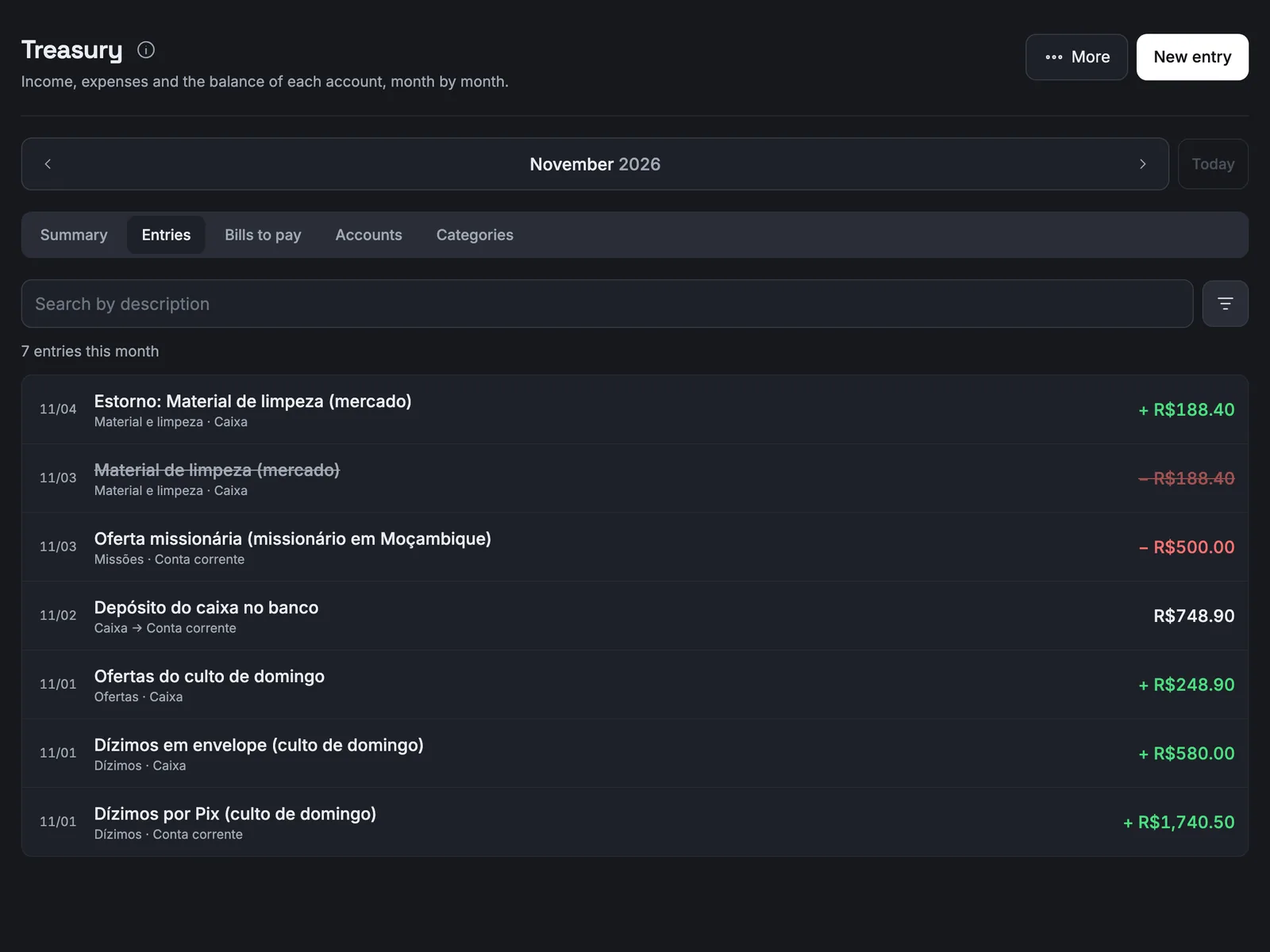
Income, expense or transfer, with search and filters by type, account and category. Each entry opens with its receipt.
Rules that build trust
Nothing is deleted
Entries cannot be edited or removed. A mistake is reversed, and both stay in the book.
Closed months
Accept nothing more, and only the pastor reopens them.
Transfers
Moving cash to the bank is neither income nor expense.
Bills to pay
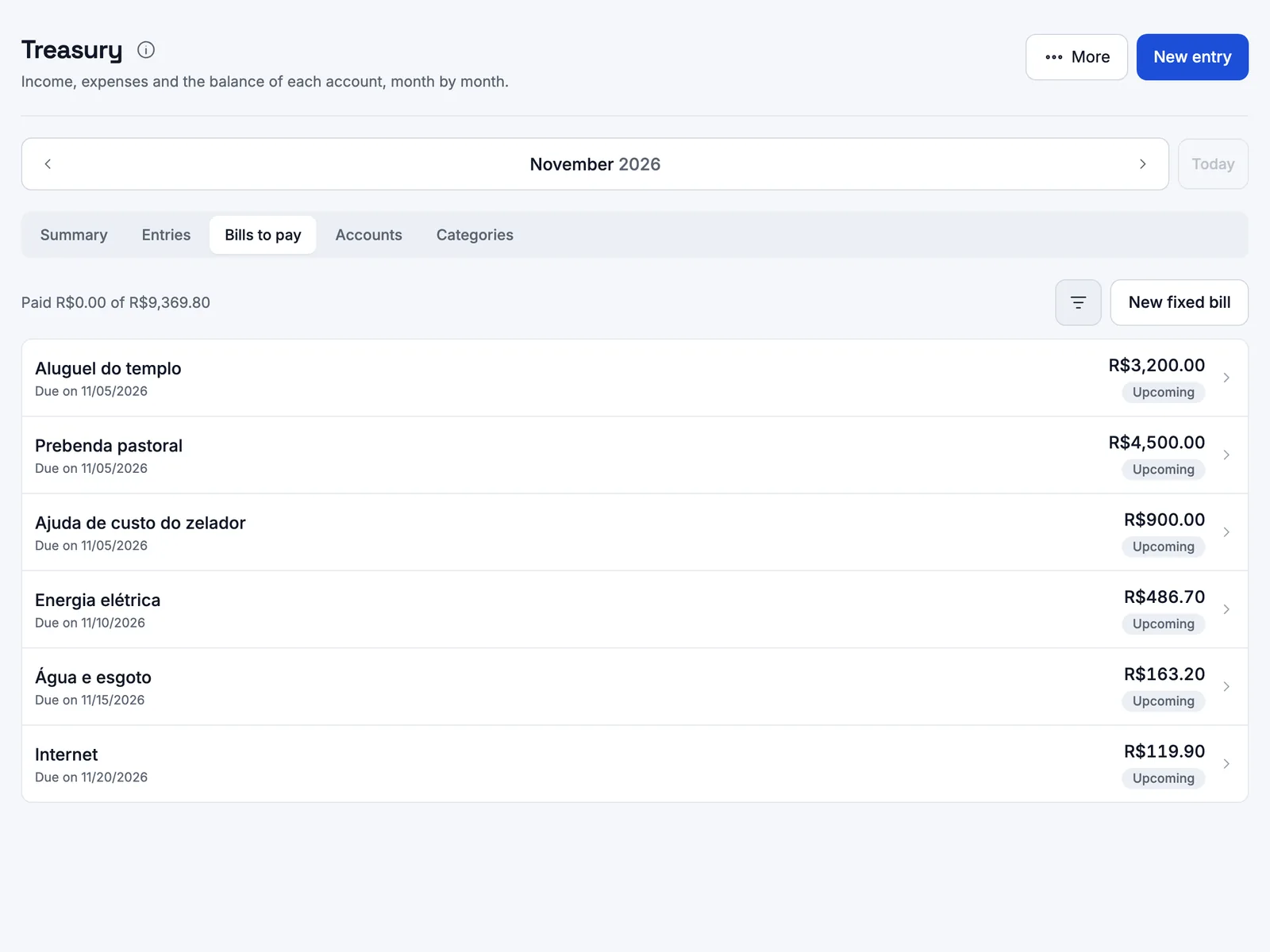
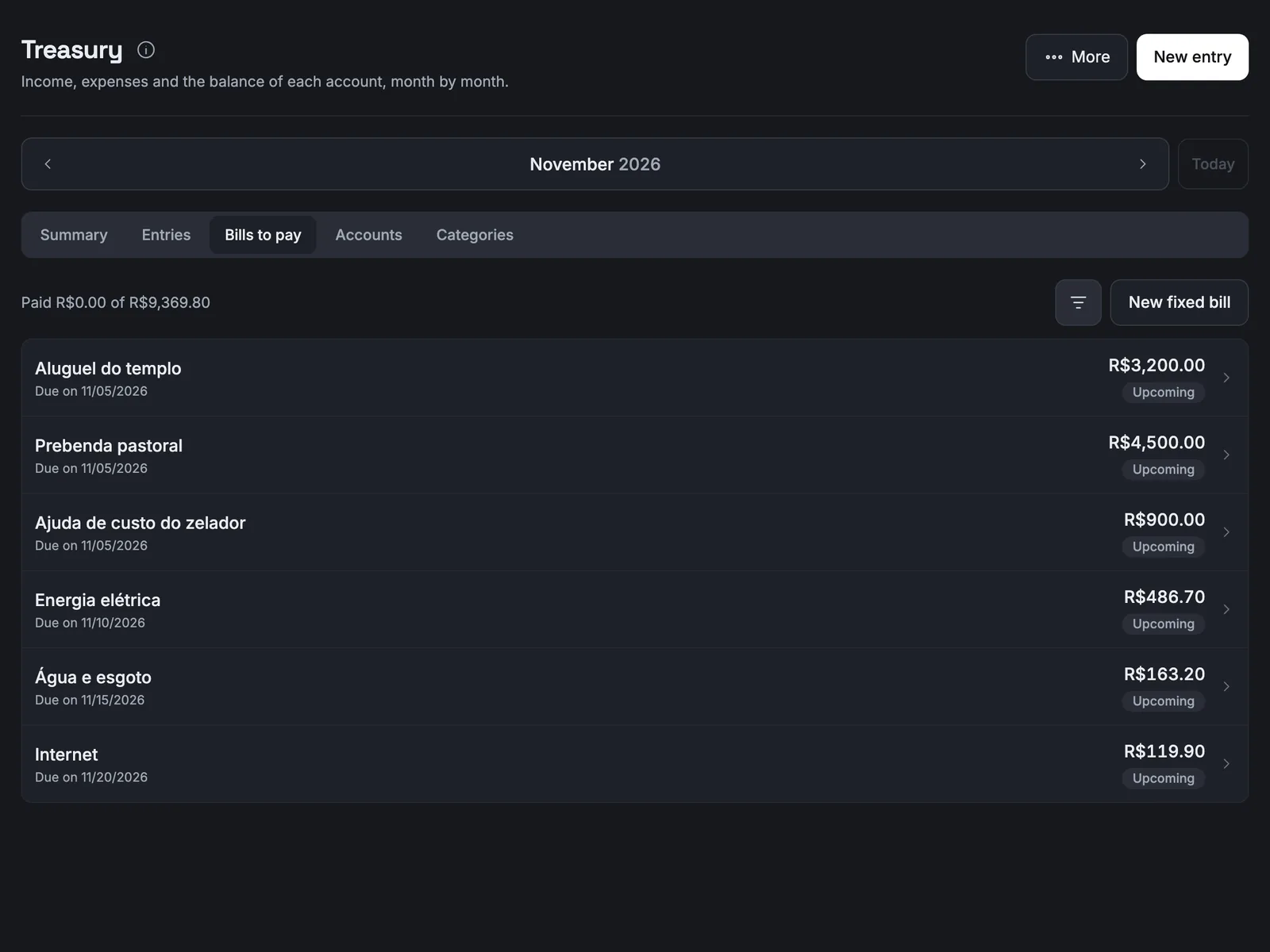
Rent, power and internet, with due dates and status.
Receipts
A photo of the invoice or receipt, opened only by operators.
Monthly spreadsheet
Summary, by category, balances, fixed bills and entries.


Who does what
Treasury operators
Named one by one: they enter, close the month and export.
Pastor
The only one who reopens a closed month, if also an operator.
Admin / IT
Switches the project on and picks operators, without seeing the book because of it.
Questions leaders ask
Is the Treasury included?
Yes. The project catalogue is part of Cenáculo, and each church switches on what it wants to use, at no extra cost.
I made a wrong entry. What now?
Reverse it: an identical entry with the opposite amount goes in, the original shows struck through and both stay in the book.
Can our church have its own categories?
Yes. It starts with the most common ones and can rename, deactivate and create its own.
Shall we talk?
You talk to a salesperson on WhatsApp and get your questions answered: +55 17 99154-6181.